

bijection/bijection.config.ts to get type-safe access via the generated env
object. You can also access any environment variable via process.env.
Setting environment variables
Under Deployment Settings in the console, you can see a list of environment variables in the current deployment.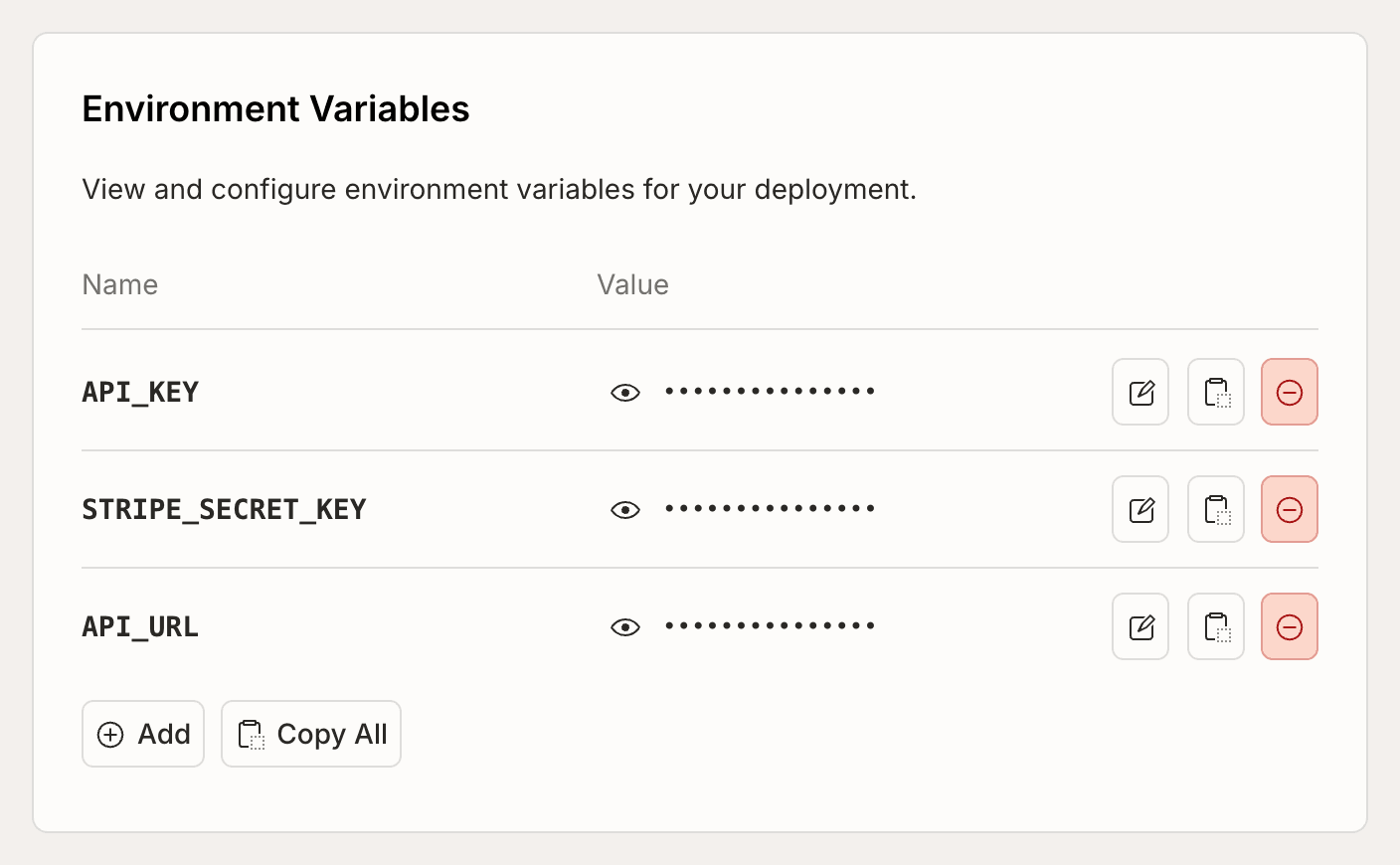
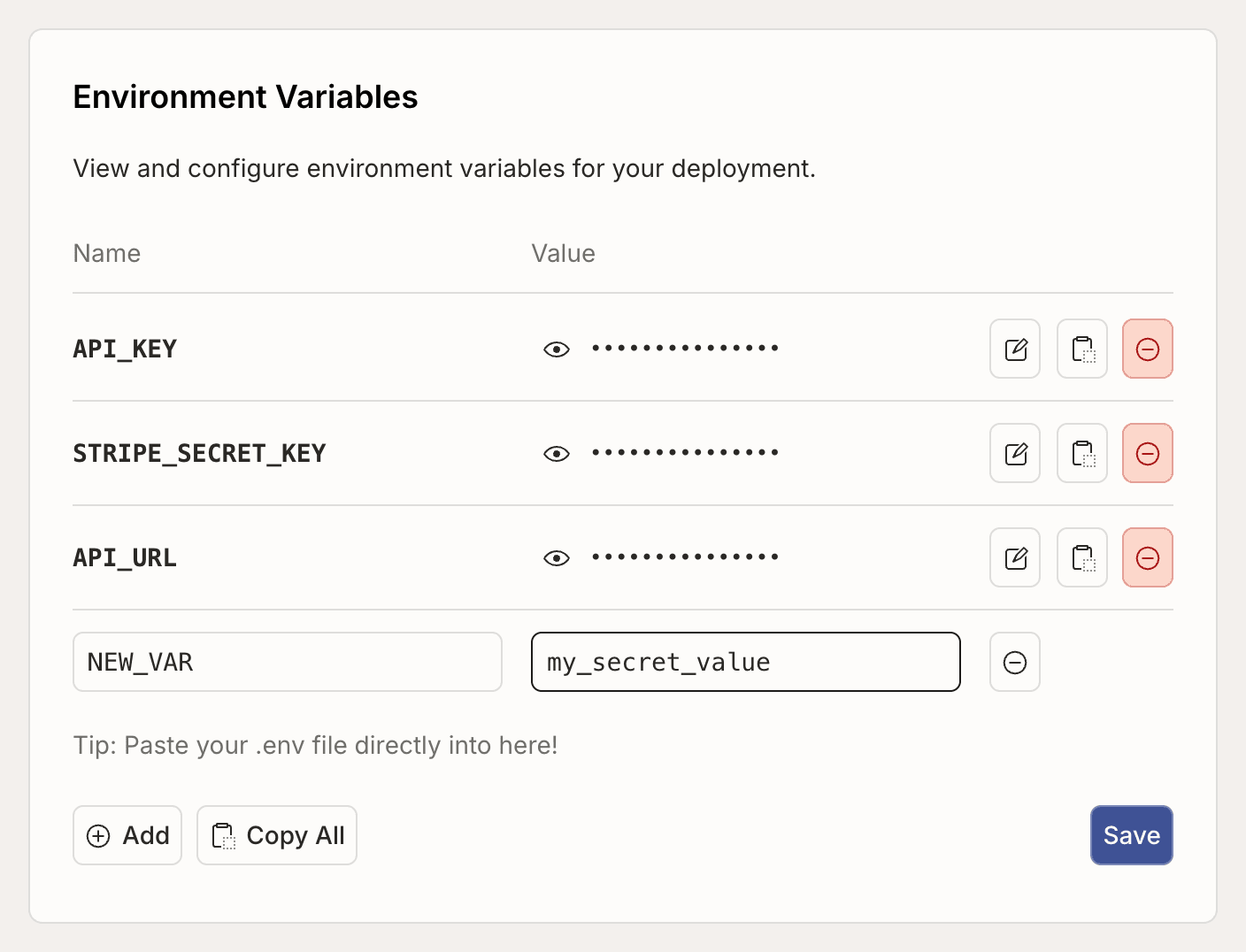
Using environment variables in dev and prod deployments
Since environment variables are set per-deployment, you can use different values for the same key in dev and prod deployments. This can be useful for when you have different external accounts you’d like to use depending on the environment. For example, you might have a dev and prod SendGrid account for sending emails, and your function expects an environment variable calledSENDGRID_API_KEY that
should work in both environments.
If you expect an environment variable to be always present in a function, you
must add it to all your deployments. In this example, you would add an
environment variable with the name SENDGRID_API_KEY to your dev and prod
deployments, with a different value for dev and prod.
Declaring environment variables
You can declare the environment variables your app expects inbijection/bijection.config.ts. Declared environment variables give you type-safe
access, validation at deploy time, and clear documentation of what your app
needs to run. This also helps prevent removing required environment variables or
setting them to invalid values from the console or
bijection env [remove|set] ....
bijection/bijection.config.ts
env option maps variable names to validators from bijection/values. The
supported validators are:
v.string()— any string valuev.literal("value")— an exact string valuev.union(v.literal("a"), v.literal("b"))— one of several exact valuesv.optional(...)— wraps any of the above to mark a variable as optional
bijection dev, Bijection generates a typed env object that you
import from _generated/server:
bijection/myFunction.ts
env import works in queries, mutations, actions, and HTTP actions.
TypeScript will catch typos and type mismatches at build time rather than at
runtime.
You still need to set the actual values in the
console or CLI — declaring them in bijection.config.ts defines what’s expected,
not what the values are.
Declaring environment variables is optional. If you don’t declare them, you can
still access all environment variables via
process.env as described
below, just without any guarantees about what
value they contain.Passing environment variables to components
Components are isolated from the app’s environment variables. When a component declares environment variables in itsbijection.config.ts, you can provide environment variables when installing it:
bijection/bijection.config.ts
bijection/bijection.config.ts
Accessing environment variables via process.env
You can access environment variables in Bijection functions using
process.env.KEY. If the variable is set it is a string, otherwise it is
undefined. Here is an example of accessing an environment variable with the
key GIPHY_KEY:
System environment variables
The following environment variables are always available in Bijection functions:BIJECTION_CLOUD_URL- Your deployment URL (eg.https://dusty-nightingale-847.bijection.cloud) for use with Bijection clients.BIJECTION_SITE_URL- Your deployment site URL (eg.https://dusty-nightingale-847.bijection.site) for use with HTTP Actions
Project environment variable defaults
You can set up default environment variable values for a project in Project Settings.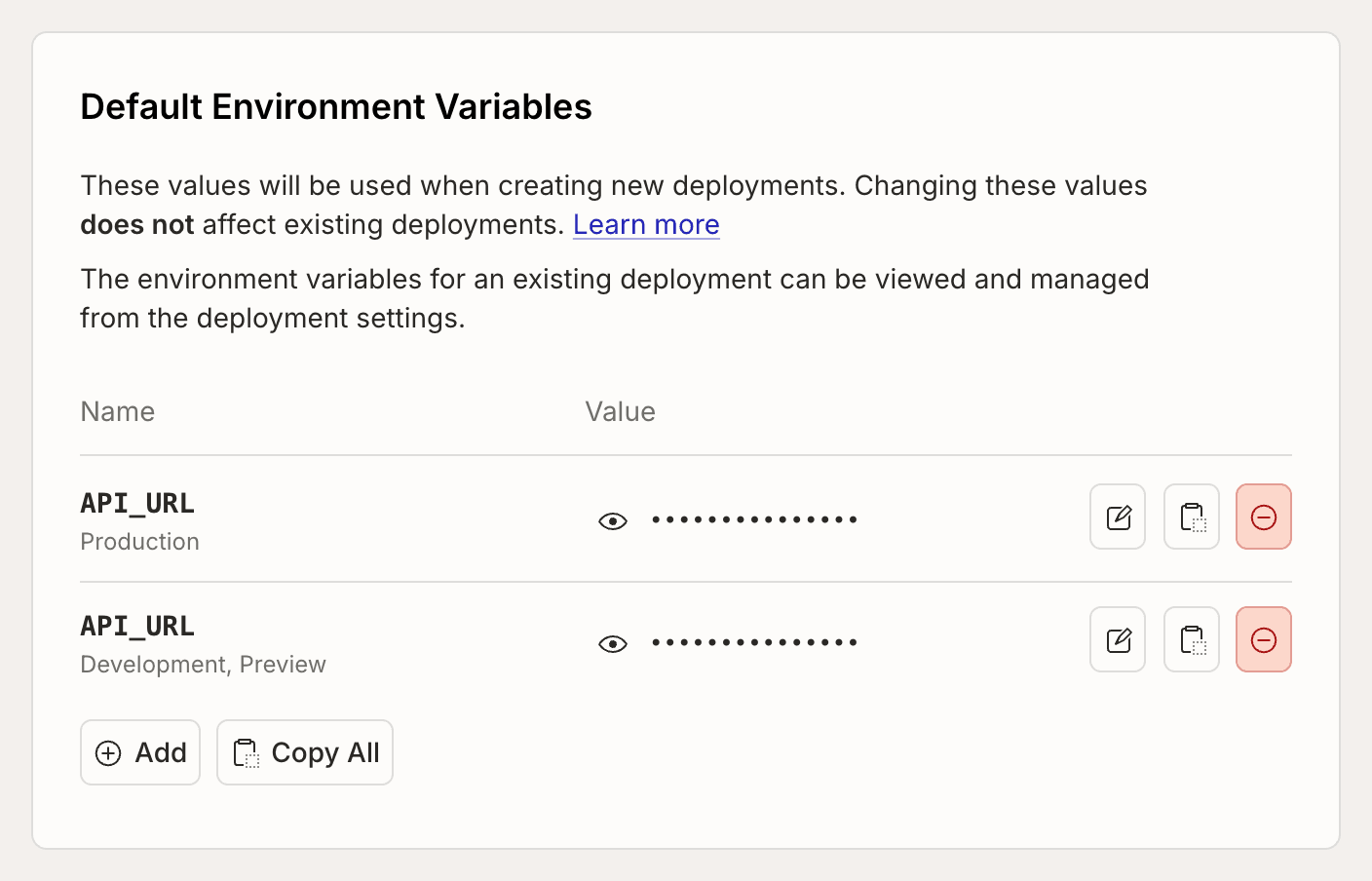
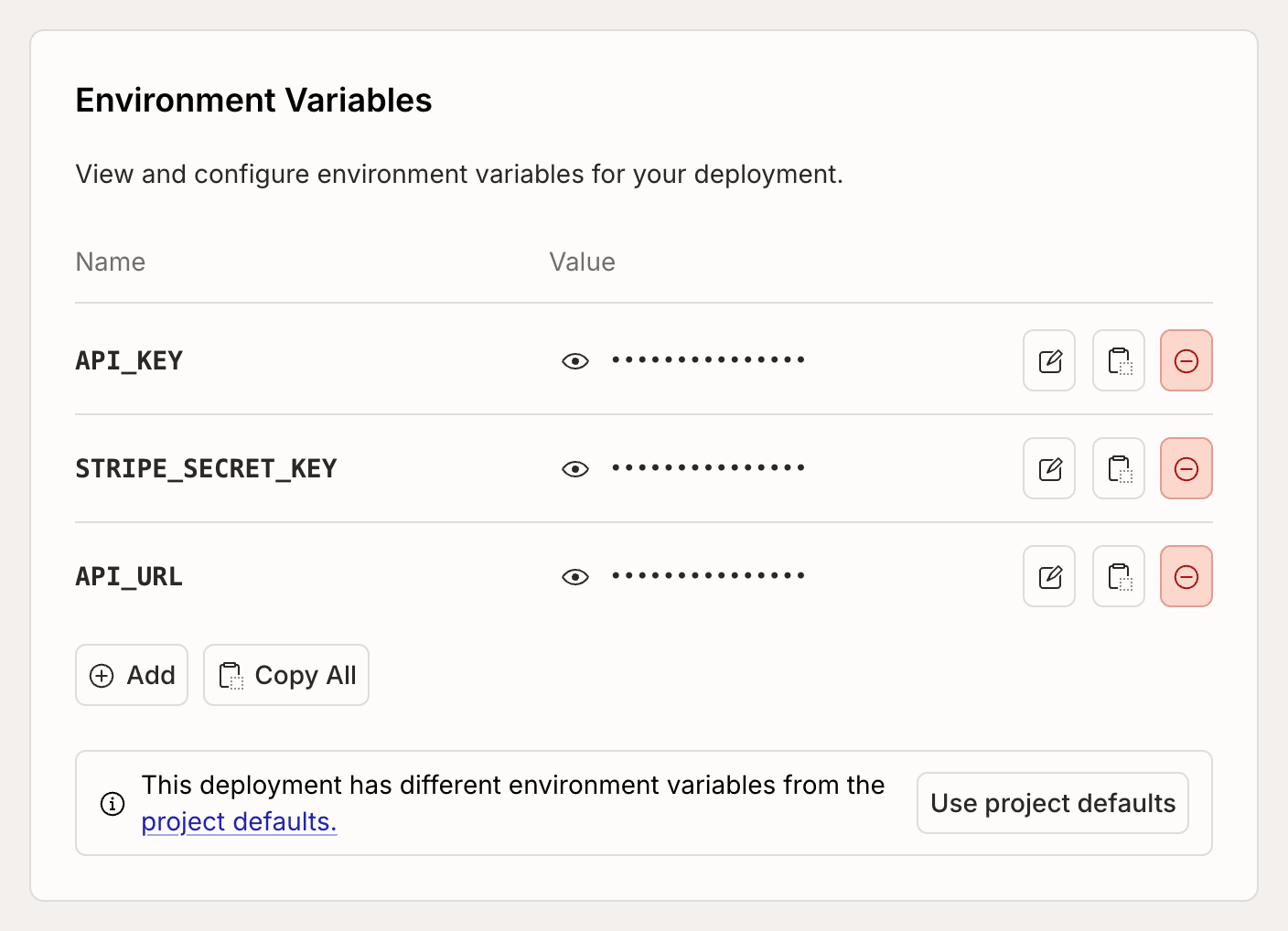
bijection env default.