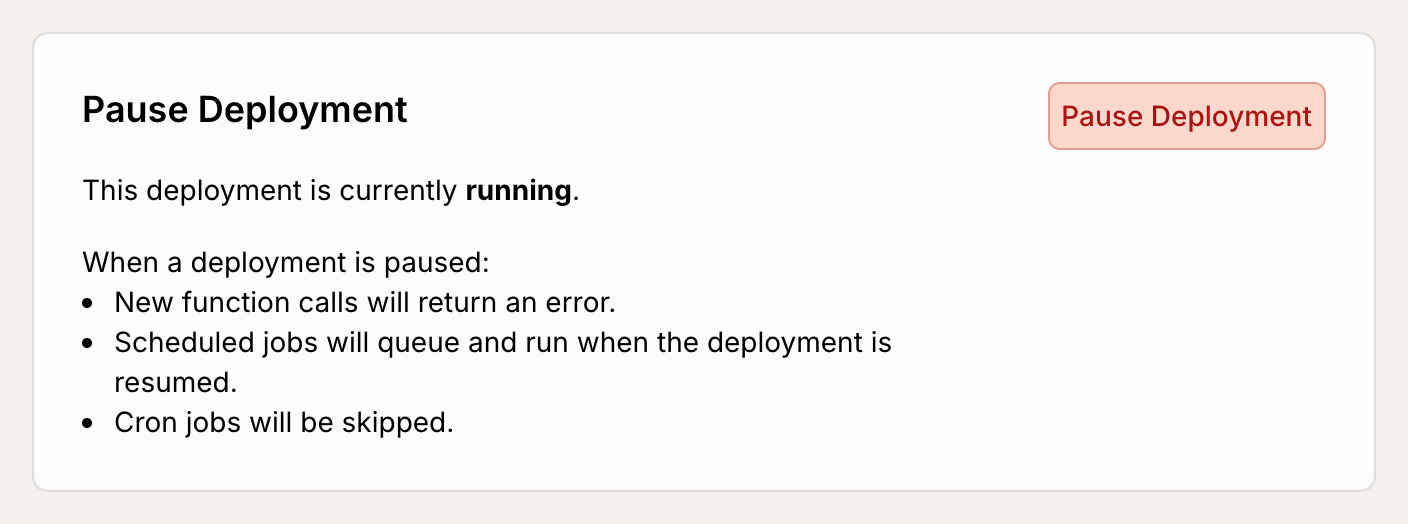
Pausing a deployment is a way to “turn off” a deployment without deleting any data. This can be useful if you have an action that is blowing through a third-party API quota and you just need a big red stop button. You can pause a deployment from the deployment settings page in the console. When a deployment is paused:
  • New function calls will return an error.
  • Scheduled jobs will queue and run when the deployment is resumed.
  • Cron jobs will be skipped.
  • Everything else (e.g. code push, console edits) should work as usual.
This is important! All new function calls will return an error when a deployment is paused, so if you are running an app in production you may want to consider alternatives like pushing code that disables a feature you are trying to “turn off”. We recommend testing this feature in a dev deployment first before pausing a production deployment.
Pause Deployment Button
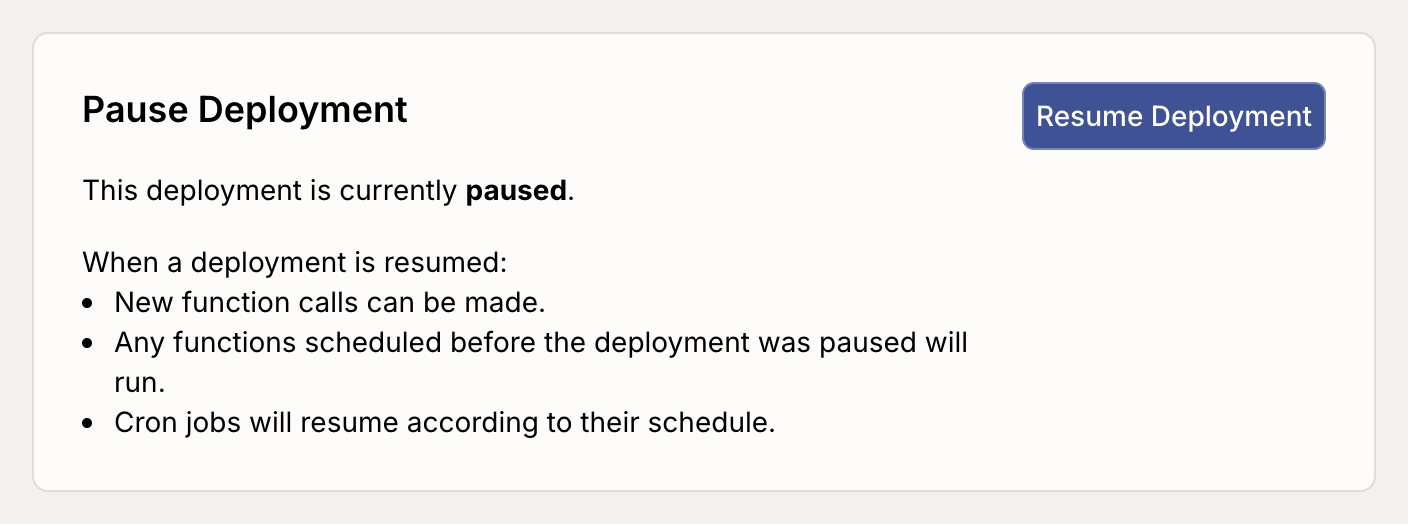
A deployment can be resumed with this button on the same page:
Resume Deployment Button