

Deployments
File Storage
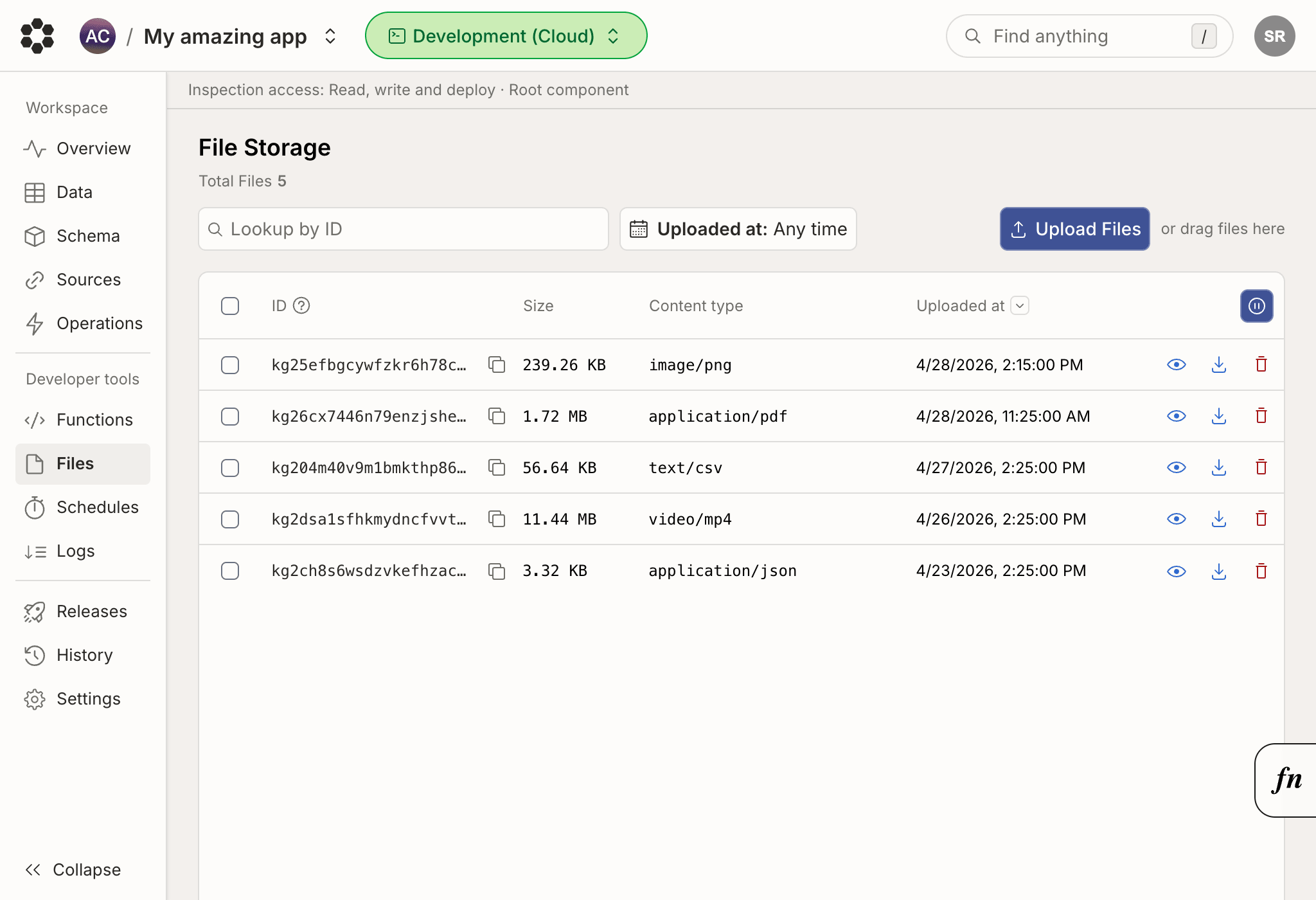
Upload, download, and manage files stored in your Bijection deployment
The file storage page displays
files stored in your deployment. The page also
shows the files’ storage IDs, size, and content type. You can upload new files
and download or delete existing files.
Storage IDs might be referenced by documents in your database.